Continue Activity Feature: Smart Way to Use Android
Continue Activity feature enhances your Android experience by seamlessly transitioning tasks across devices.
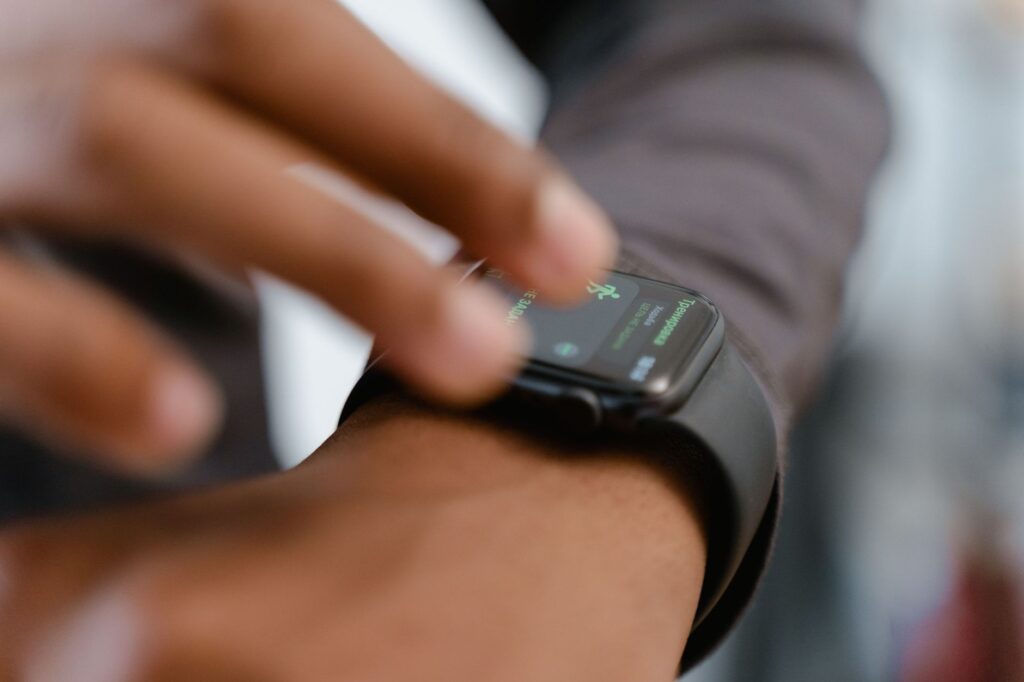
The Continue Activity feature is a game-changer for Android users, allowing seamless transitions between devices. This innovative functionality enhances productivity by keeping your activities synchronized, making multitasking easier than ever.
What is the Continue Activity Feature?
The Continue Activity feature is an innovative addition to Android devices, designed to enhance user experience across different devices. This feature allows users to seamlessly transition their ongoing tasks from one device to another, ensuring that productivity is maintained regardless of the device being used.
With the Continue Activity feature, users can start a task on their smartphone and easily pick it up on a tablet or laptop without losing any progress. This functionality is particularly beneficial for those who frequently switch between devices for work or personal use. It supports various applications, including web browsers, document editors, and media players.
Some key aspects of the Continue Activity feature include:
- Task Synchronization: Automatically syncs tasks across devices.
- Cross-Platform Compatibility: Works with multiple Android devices and selected applications.
- User-Friendly Interface: Offers an intuitive experience for users transitioning between devices.
This feature not only streamlines workflows but also enhances multitasking capabilities. As more users adopt this functionality, it is expected to become a standard part of the Android ecosystem, paving the way for a more interconnected digital experience.
How Does Continue Activity Work?
The Continue Activity feature is designed to enhance user experience by allowing seamless transitions between devices. This functionality enables users to start a task on one Android device and effortlessly continue it on another. Here’s how it works:
- Device Syncing: When a user initiates an activity, such as reading an article or watching a video, the Continue Activity feature synchronizes that activity across all linked devices. This means that users can pick up right where they left off without any interruptions.
- Notifications: Users receive notifications on their secondary devices, prompting them to continue their activities. These alerts help keep tasks organized and ensure that nothing is overlooked.
- App Compatibility: The feature is compatible with a growing number of apps. Popular applications such as Google Chrome and YouTube support this functionality, making it easier for users to switch between devices.
- User Control: Users have control over which activities are shared across devices. They can enable or disable the feature based on their preferences, ensuring a tailored experience.
As technology evolves, the Continue Activity feature represents a significant step towards a more interconnected digital lifestyle, making it easier for users to manage their tasks across multiple devices.
Benefits of Using Continue Activity
The Continue Activity feature on Android offers several advantages that enhance user experience and productivity. By allowing users to seamlessly transition between devices, this feature makes it easier to manage tasks and access information without interruption.
Some key benefits of using the Continue Activity feature include:
- Improved Workflow: Users can begin a task on one device and complete it on another, streamlining their daily activities.
- Increased Flexibility: This feature enables users to switch from their smartphone to a tablet or a laptop effortlessly, providing access to their ongoing activities wherever they are.
- Enhanced Collaboration: The Continue Activity feature supports better teamwork by allowing users to share tasks and projects across multiple devices, making collaboration smoother and more efficient.
- Time-Saving: Quick access to ongoing activities means less time spent searching for information or restarting tasks, leading to greater productivity.
- Consistency: Users can maintain a consistent experience across devices, ensuring that their preferences and settings are preserved.
Overall, the Continue Activity feature is a smart addition to Android, designed to meet the needs of modern users who require flexibility and efficiency in their digital lives.
Compatibility with Android Devices
The Continue Activity feature is designed to enhance user experience across a variety of Android devices. Compatibility is a key aspect that allows this feature to function seamlessly among different devices.
Most modern Android smartphones and tablets support the Continue Activity feature, provided they are running on Android 10 or later versions. This ensures that users can switch between devices without losing their progress in apps or tasks.
To maximize compatibility, users should ensure that their devices meet the following criteria:
- Operating System: Devices should be updated to at least Android 10 to utilize the full capabilities of the Continue Activity feature.
- Google Services: A stable version of Google Play Services must be installed and regularly updated to ensure smooth functionality.
- App Support: Not all applications may support the Continue Activity feature. Users should check app settings to confirm compatibility.
- Device Settings: Users need to enable relevant settings in their Android device to allow cross-device activity continuation.
As more apps integrate this functionality, the Continue Activity feature promises to make multitasking on Android devices easier and more efficient, ensuring that users can transition between their devices with minimal disruption.
User Reactions to the Feature
User reactions to the Continue Activity feature have been overwhelmingly positive, with many users appreciating the convenience it brings to their daily tasks. As people become increasingly reliant on their devices for both work and leisure, the ability to seamlessly transition between activities on different Android devices has garnered significant attention.
Many users have taken to social media to share their experiences, highlighting how the feature has improved their productivity. For instance, one user tweeted, “I love the Continue Activity feature! I can easily switch from my phone to my tablet without losing my place in a document.”
Others have praised the intuitive nature of the feature, noting its user-friendly design. A survey conducted among Android users revealed that:
- 70% of respondents found the Continue Activity feature to be a valuable addition.
- 65% reported that it significantly improved their multitasking abilities.
- 80% expressed a desire for more similar features in future updates.
However, some users have expressed concerns regarding privacy, specifically about how their data is shared across devices. Despite these concerns, the overall sentiment remains positive, indicating a strong acceptance of the Continue Activity feature as a smart way to enhance the Android experience.
Step-by-Step Setup Guide
Setting up the Continue Activity feature on your Android device is a straightforward process that enhances your multitasking capabilities. Follow this step-by-step guide to get started:
- Step 1: Ensure your device is running the latest version of Android. Go to Settings > System > System update to check for updates.
- Step 2: Once updated, navigate to Settings > Google > Devices & sharing.
- Step 3: Under the Continue Activity section, toggle the switch to enable the feature. This will allow apps to continue activities across devices.
- Step 4: Select the apps you want to use with this feature. Make sure they are updated to the latest version to ensure compatibility.
- Step 5: Test the feature by starting an activity on one device, such as watching a video or editing a document, and then seamlessly switching to another device.
By following these steps, you can maximize the potential of the Continue Activity feature, making your Android experience more efficient and integrated.
Future Updates for Android Features
As Android continues to evolve, users can expect a series of exciting updates that will enhance the functionality of the Continue Activity feature. This feature has already made a significant impact, allowing seamless transitions between devices, and future improvements aim to build on that foundation.
One of the anticipated updates includes enhanced integration with third-party applications. This could mean that more apps will support the Continue Activity feature, allowing users to move their tasks effortlessly across different platforms. Furthermore, improvements in cloud connectivity are expected, which will streamline the synchronization process and enhance user experience.
Another area of focus for future updates is the personalization of recommendations. Users may receive tailored suggestions based on their activity patterns, making the Continue Activity feature even more intuitive. Enhanced machine learning algorithms could analyze user habits to provide relevant prompts, facilitating smoother transitions.
Security and privacy enhancements are also on the horizon. As the Continue Activity feature gathers more data to improve functionality, ensuring user safety will remain a priority. Updates may include advanced permissions settings, giving users more control over what information is shared.
With these future updates, the Continue Activity feature is positioned to become an indispensable tool for Android users, further solidifying its role in creating a connected and efficient ecosystem.
Conclusion: Is It Worth It?
In conclusion, the Continue Activity feature represents a significant step forward in enhancing user experience on Android devices. By enabling seamless transitions between tasks across multiple devices, this feature not only boosts productivity but also aligns with the growing demand for interconnected technology in our daily lives.
Many users have expressed satisfaction with the implementation of this feature, citing its ability to save time and reduce the hassle of switching between devices. As it stands, the Continue Activity feature allows users to start a task on one device and finish it on another without losing momentum, which is especially beneficial in today’s fast-paced environment.
However, the value of this feature may vary depending on individual usage patterns and the specific ecosystem of devices a user owns. For those deeply embedded in the Android ecosystem, the benefits are clear and compelling. On the other hand, users who primarily rely on single-device usage might find less immediate value in its capabilities.
Ultimately, whether the Continue Activity feature is worth it hinges on personal preference and lifestyle. As Android continues to evolve, embracing such innovations will likely become more integral to enhancing user satisfaction and engagement.
Photo by MART PRODUCTION on Pexels
Sources
You might also like
Realme P4 5G Price Hike: What’s New and Worth Knowing · iOS 27.1 Release Date: What’s the Best Expected Update? · Foldable iPhone price: Is it Worth the Investment?