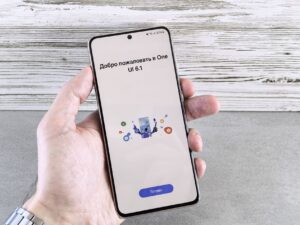
One UI 9.0 Update: The Best Way to Enhance Your Experience
One UI 9.0 update is essential for improving your device’s functionality and performance. Discover how to do it right!
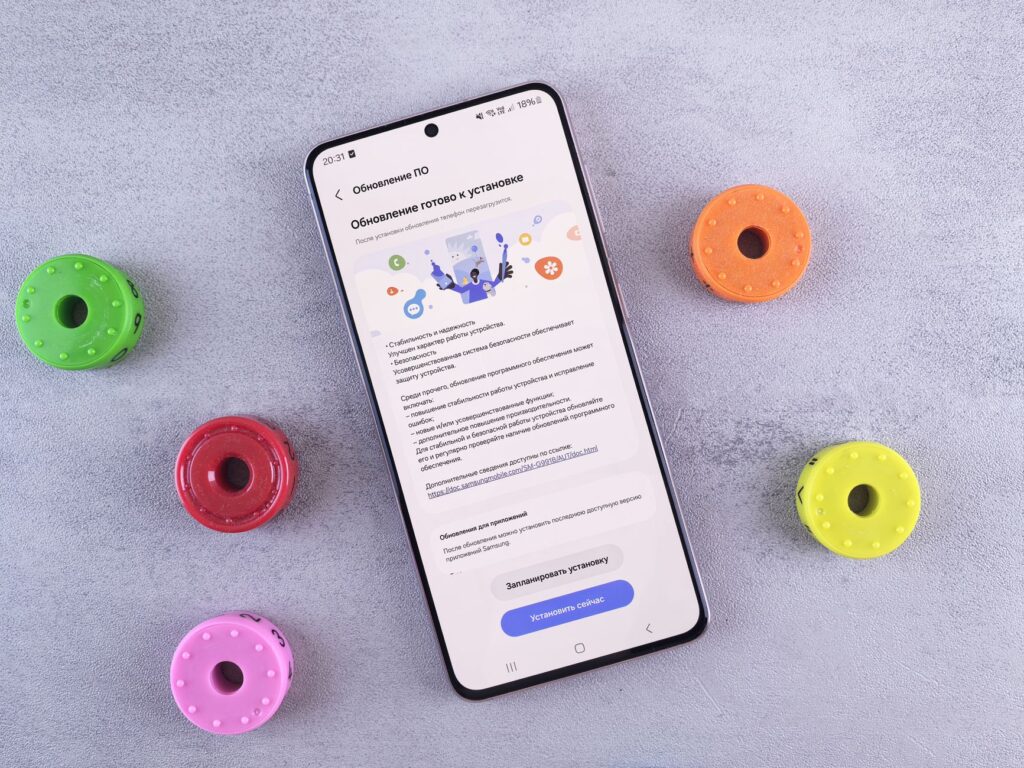
The One UI 9.0 update is crucial for Samsung users looking to enhance their device’s performance. Samsung advises updating Good Lock modules first for the best results.
Why Update Good Lock Modules First?
With the release of the One UI 9.0 update, Samsung has emphasized the importance of updating Good Lock modules before proceeding with any other updates. This recommendation is crucial for users who wish to maximize their device’s performance and functionality.
Updating Good Lock modules first ensures that users can take full advantage of the new features and enhancements offered by One UI 9.0. Here are a few reasons why this step is vital:
- Compatibility: Good Lock modules are designed to integrate seamlessly with the latest One UI updates, ensuring optimal performance.
- New Features: Each Good Lock module update often brings new features that complement the updates in One UI 9.0.
- Stability: Updating modules first may help prevent potential bugs or performance issues that could arise from using outdated versions.
In summary, prioritizing Good Lock module updates allows users to enhance their experience with the One UI 9.0 update effectively.
Benefits of One UI 9.0
The One UI 9.0 update introduces several enhancements that significantly improve user experience. Here are some of the key benefits:
- Improved Performance: Users can expect faster app launches and smoother multitasking, making everyday tasks more efficient.
- Enhanced Customization: One UI 9.0 offers more options for personalizing the home screen, including new themes and widgets.
- Better Privacy Controls: The update enhances security features, giving users more control over their data and app permissions.
- New Accessibility Features: Enhanced tools for users with disabilities ensure that everyone can enjoy the latest technology.
- Optimized Notifications: The notification system has been refined, allowing users to manage alerts more effectively and prioritize important messages.
With these improvements, the One UI 9.0 update not only enhances device functionality but also provides a more intuitive and enjoyable user experience.
How to Update Your Device
Updating your device to the latest version of One UI 9.0 is a straightforward process that ensures you enjoy the enhanced features and performance improvements. Follow these steps to update your device smoothly:
- Check Compatibility: Ensure that your device is compatible with One UI 9.0. Most recent Samsung models will support this update.
- Backup Your Data: Before proceeding with the update, back up your important data to avoid any loss during the installation process.
- Connect to Wi-Fi: Make sure your device is connected to a stable Wi-Fi network to avoid using mobile data for the download.
- Access Settings: Go to Settings > Software update and tap on Download and install.
- Install Update: If One UI 9.0 is available, follow the on-screen instructions to download and install the update.
Once the installation is complete, your device will restart, and you can start enjoying the benefits of the One UI 9.0 update.
User Experiences with One UI 9.0
User experiences with the One UI 9.0 update have been overwhelmingly positive, with many users highlighting the enhanced performance and new features. The update has introduced a more streamlined interface, making navigation smoother and more intuitive.
Many users appreciate the customization options available, which allow them to tailor their devices to better suit their personal preferences. Among the most praised features are:
- Improved Dark Mode: Users report that the new dark mode is easier on the eyes and enhances battery life.
- Dynamic Widgets: The ability to place widgets anywhere on the home screen has been a game changer for organization.
- Enhanced Security: With new privacy settings, users feel more in control of their data.
Overall, the One UI 9.0 update seems to elevate the user experience significantly, making it a worthwhile upgrade for Samsung device owners.
Common Issues After Update
While the One UI 9.0 update brings numerous enhancements, some users have reported common issues following the installation. Understanding these challenges can help mitigate frustration and improve the overall experience.
- Battery Drain: Some users have noticed increased battery consumption after the update. This can often be resolved through settings adjustments or by resetting battery optimization.
- App Compatibility: Certain applications may not function correctly post-update. Users are advised to check for app updates from the Play Store to ensure compatibility with One UI 9.0.
- Performance Lags: A few reports indicate lagging performance, particularly on older devices. Restarting the device or clearing cache data may help alleviate this issue.
- UI Glitches: Some interface glitches have been observed, such as icons misaligning. Samsung typically addresses these in subsequent patches.
For a smoother experience, users should familiarize themselves with these common issues and monitor for updates that may resolve them.
Tips for a Smooth Update Process
As you prepare for the One UI 9.0 update, following a few tips can ensure a smooth and hassle-free experience. Here are some recommendations to keep in mind:
- Backup Your Data: Before initiating the update, make sure to back up all important files and data. This protects your information in case of any unforeseen issues during the update process.
- Check Compatibility: Verify that your device is compatible with the One UI 9.0 update. Not all devices will receive the update simultaneously, so ensure yours is on the list.
- Stable Internet Connection: A reliable internet connection is crucial for downloading the update. Use Wi-Fi instead of mobile data to avoid interruptions and additional charges.
- Free Up Storage: Ensure you have enough free storage space on your device. Insufficient space can lead to errors during the update.
- Patience is Key: After starting the update, allow your device some time to complete the process. Rushing can lead to complications.
By following these tips, you can enhance your overall experience with the One UI 9.0 update.
Photo by Andrey Matveev on Pexels